
Prompt Enhancer: A Chrome Extension for AI Prompts
A shipped extension working across four AI platforms, with secure API key storage and right-click context-menu integration

- Open-source project
- Developer Tooling
- Remote
- March 5, 2025
Screenshots
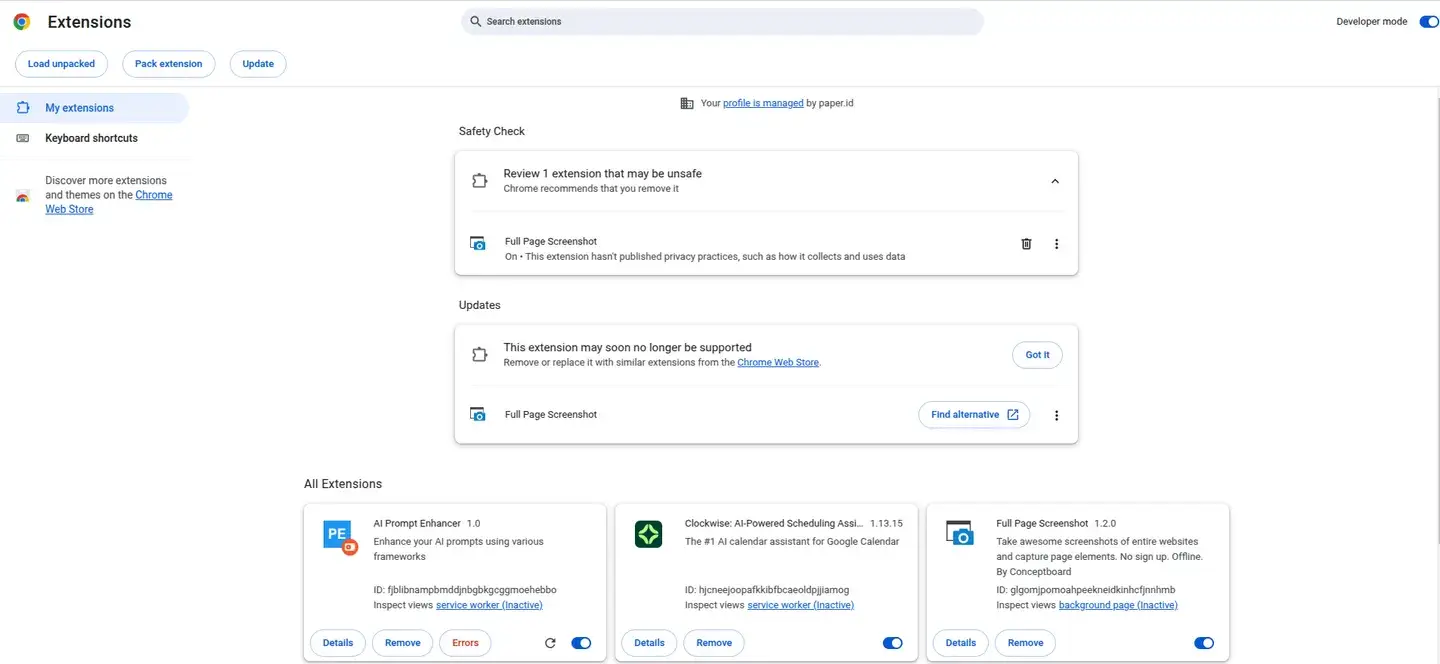
The image could not be loaded.
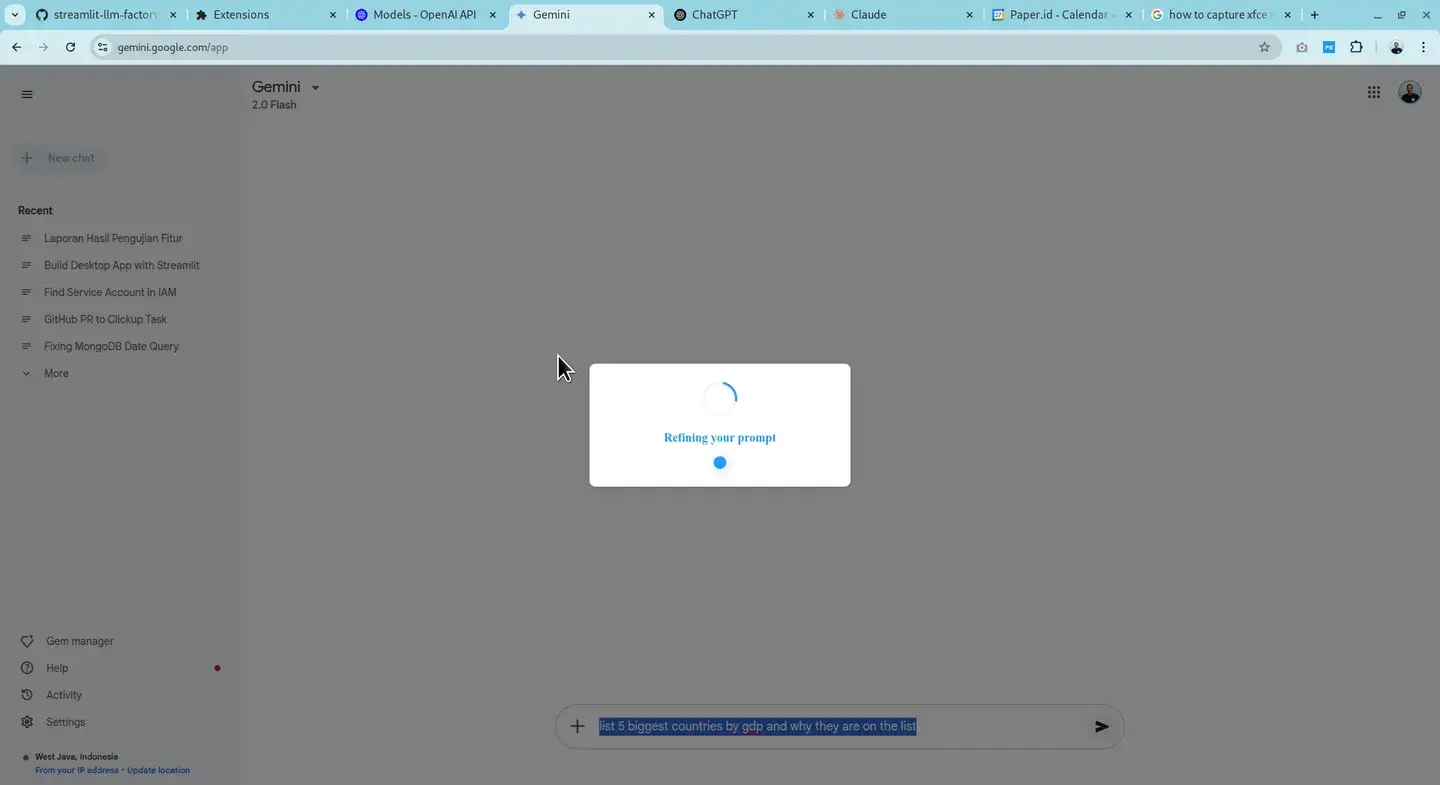
The image could not be loaded.
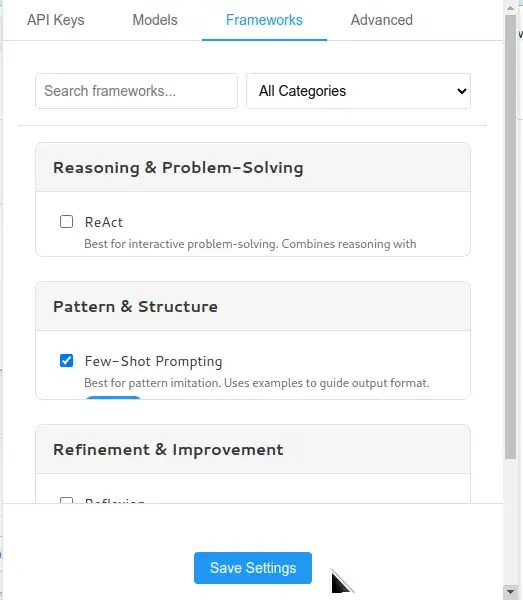
The image could not be loaded.
The problem
The quality of an AI answer is set by the quality of its prompt, and prompt-writing frameworks — Chain-of-Thought, RISEN, APE — have been around for years. The problem is not knowledge but friction: applying a framework by hand to every prompt, on every platform, is something people do once and then abandon. A framework that goes unused is worthless.
What we built
A Chrome extension that moves those frameworks to where prompts are written. Select text in any input field, right-click → Enhance Prompt, pick a framework — CoT for analytical tasks, RISEN for structured output, APE for iterative refinement — then review the result: Apply to replace the selected text in place, or Copy to the clipboard. A popup interface covers usage without a text selection.
The extension works on ChatGPT, Google Gemini, Anthropic Claude, and DeepSeek — and in practice on any website with a text field. Users pick their provider and model (a default per provider, e.g. GPT-4o, Gemini 2.0 Flash, Claude 3.7 Sonnet, DeepSeek Chat) in the settings page.
Engineering decisions
Vanilla JavaScript on Manifest V3. No framework, no build step — one of our earliest projects, and the simplicity is deliberate: an extension whose entire codebase can be read in an afternoon is an extension its users can audit.
Minimal permissions. Only storage, activeTab, contextMenus, and scripting —
each one mapping to a user-visible feature. API keys live in Chrome’s storage system, no
data is collected, and all prompt enhancement runs through the official APIs of the
provider the user chose.
Running it
git clone https://github.com/ridwanpaper/prompt-enhancer.git, open
chrome://extensions/, enable Developer mode, then Load unpacked and select the
cloned directory. Add one API key in the settings, pick a framework, and it is ready.
The project is small, but complete and actually shipped — and that is exactly the story.
Related work



Does your team face a similar problem?
Tell us about the workflow and its constraints. We start with a scope we can describe and verify.