
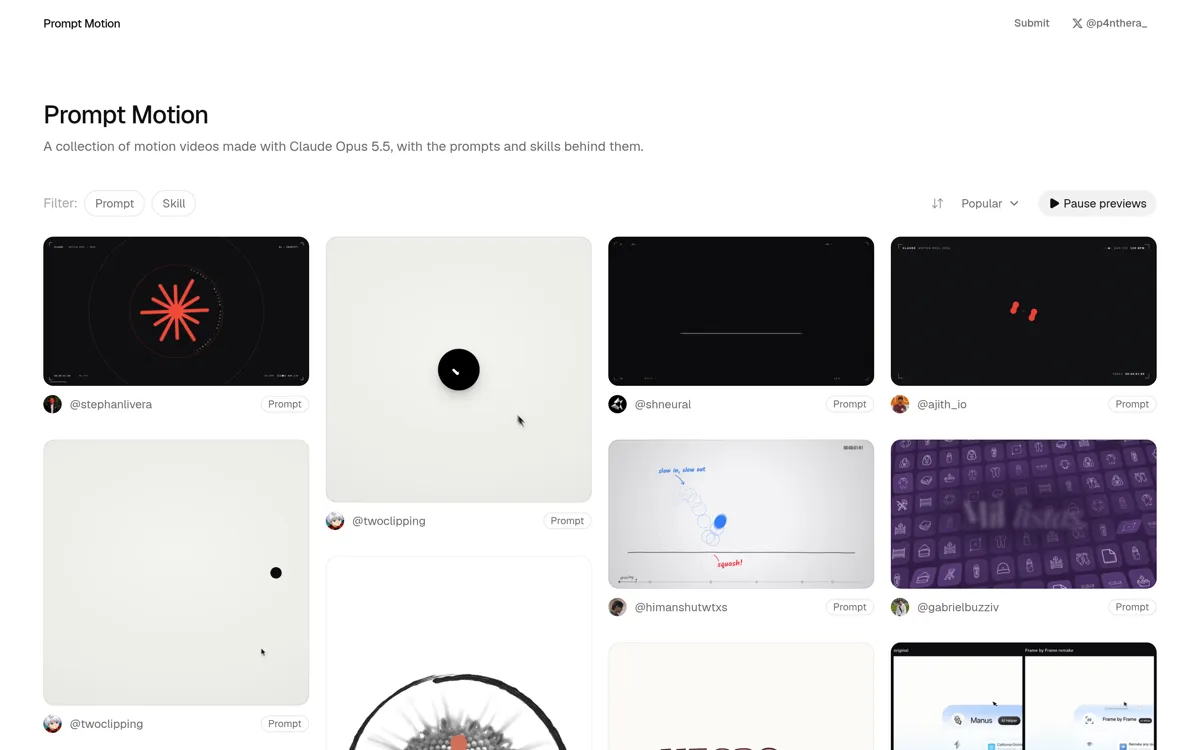
Can Claude Opus 5.5 make motion design videos? The honest answer: not directly, and that is exactly where the interesting part lives. Opus 5.5 writes programs that draw video. The community has converged on a pattern it calls the harness: Claude Code first builds the editing tool, the film is stored as editable project data, one deterministic renderer draws every frame, and a headless browser plus ffmpeg export the MP4. The scale is now publicly visible: Prompt Motion, a gallery curated by @p4nthera_ collecting roughly 280 community motion videos together with the prompt or skill behind each one.
This article dissects the pattern from four directions: Anthropic’s own account of where the method comes from, the @0xMovez thread (September 27, 2026), the 18-page guide by @0xCodila published on October 6, 2026, and the Prompt Motion gallery as examples you can open yourself. One caveat up front: we did not run a production for this article. View counts, star counts, gallery entry counts, and duration anecdotes below are what the platforms and authors report, not our verification.
What does Opus 5.5 actually do here?
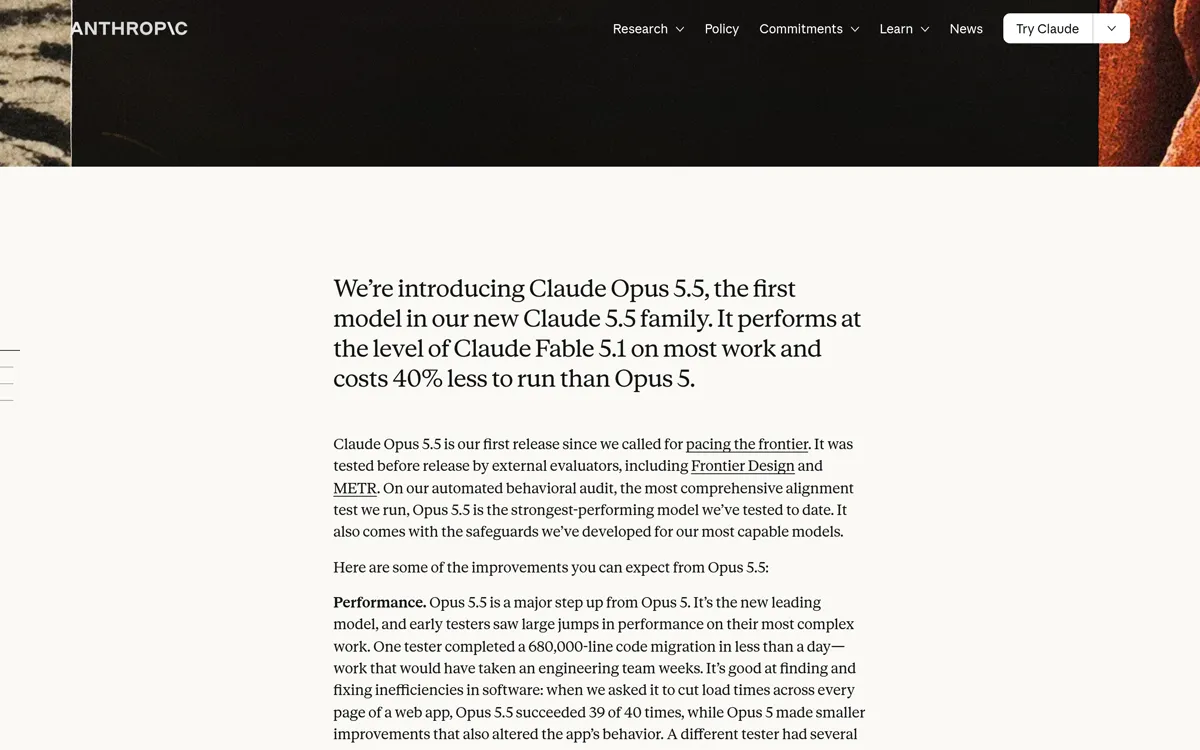
The model’s role in this pipeline is writing reliable software, not producing video pixels. Anthropic announced Claude Opus 5.5 on September 22, 2026 as the first model in the Claude 5.5 family, positioned for complex agentic work such as agentic coding; according to the announcement, it performs at the level of Claude Fable 5.1 on most work and costs 40% less to run than Opus 5. That is a vendor claim about general capability. What matters for motion design is the property that made this class of model useful for writing code in the first place: following long specifications, keeping a schema consistent, and re-evaluating the same program with the same result.
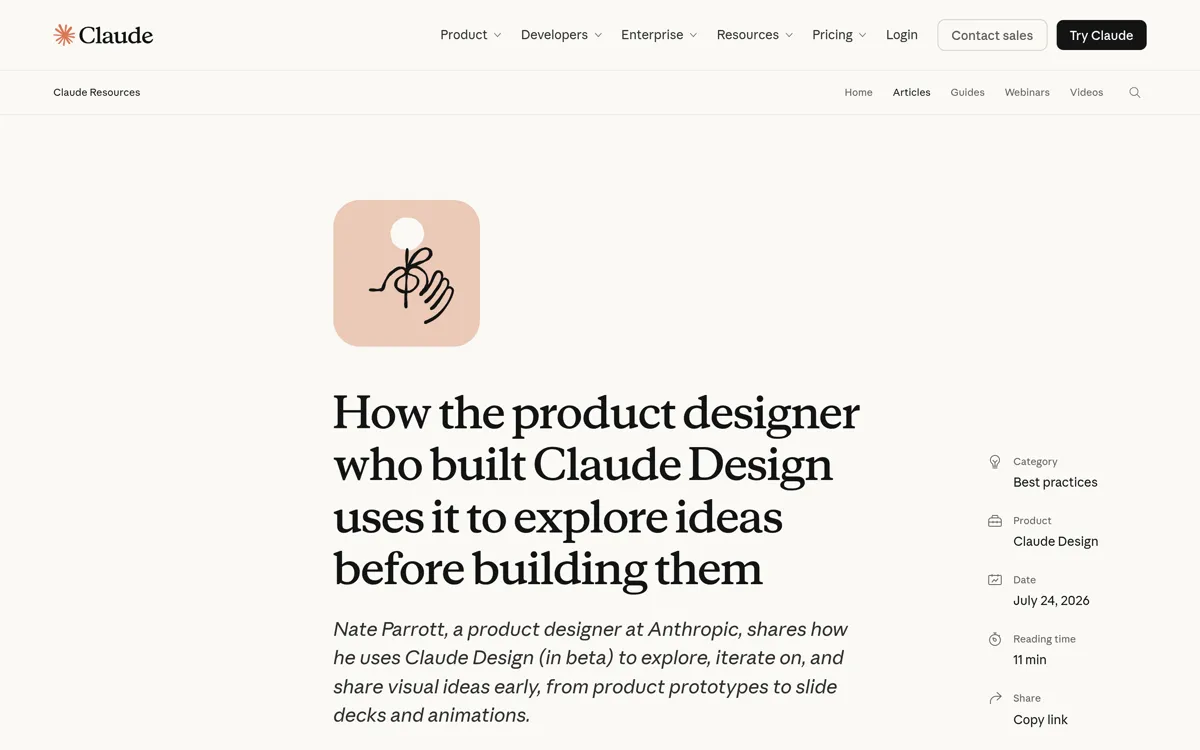
The build-the-editor-first idea is not community improvisation; it is documented in Anthropic’s own account. Nate Parrott, the product designer at Anthropic who built Claude Design, tells how he is not an animator, so he “first had Claude Design build me a bespoke video editor, then used that editor to make the animation” — the intro animation of Claude Design itself. The same move recurs across his articles and interviews: generated output becomes directly manipulable controls, because visual decisions are easier to execute by dragging and sliding than to re-describe in words. He calls the principle “make the last mile manual”: the hand-applied finishing touches consume no tokens at all.
Why is “one prompt” not the whole story?
Because the viral part is only the tip of a long system. The @0xMovez thread opens with the thesis now quoted everywhere: “The prompt is 10% of the video. The other 90% is the harness.” It demonstrates the base mechanism: Opus cannot emit video, so it writes a deterministic seek(t) function — given a time t, the function paints frame t — which headless Chrome calls per frame, and ffmpeg stitches thousands of frames into an MP4.
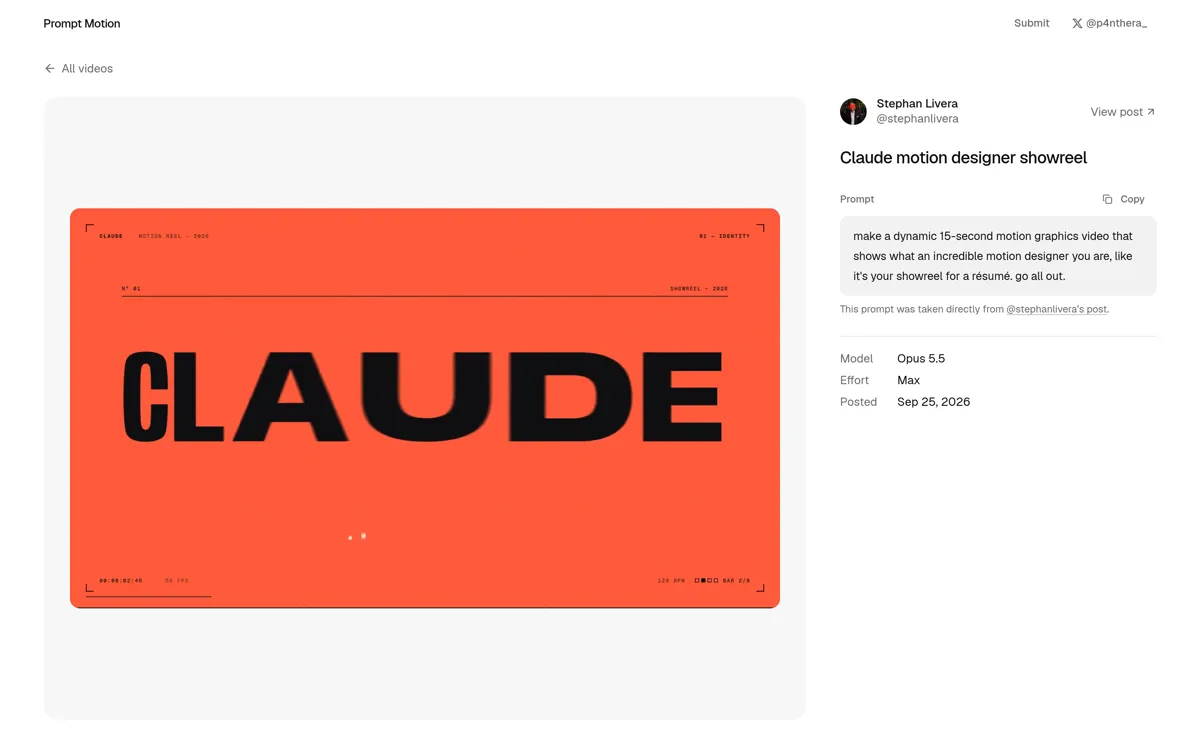
The Prompt Motion gallery helps separate myth from fact here. The most famous entry in it, @stephanlivera’s “Claude motion designer showreel”, really was born from one short prompt: “make a dynamic 15-second motion graphics video that shows what an incredible motion designer you are, like it’s your showreel for a résumé. go all out.” What rarely travels with the virality: the entry’s metadata records Model: Opus 5.5 and Effort: Max — the flagship model run at its highest effort setting. And when the “video from one prompt” trend exploded, Thariq of the Claude Code team pointed out that the prompt shown as one line actually runs about 10 thousand characters: skills, examples, style keys.
So what is in that 90%? From both walkthroughs, a motion-design harness contains at least: a deterministic render contract, a project format that saves and reopens, an MP4 export pipeline, creative briefs written as files, a bounded review loop, a sound path on the same clock, and a way to package all of it for reuse. The next sections take these one at a time, following the @0xCodila 18-page guide as the technical map.
What does the studio it builds look like?
The @0xCodila guide separates two working modes. In build mode, Claude Code implements the editor and its acceptance tests; the app launches empty, all test content stays locked in a test directory, and advanced work may not start until the first phase gate passes: asset import, editing, keyframes, scrubbing, undo, save, and reopen all demonstrated. In production mode, you supply a brief and real assets; Claude Code writes a candidate project, validates it, opens it in the editor, and you refine timing, typography, and motion before an explicit export. The editor itself makes no AI API calls and works offline after installation.
The technical core is one project format and one render contract. project.json is the single source of truth: the film’s settings (duration, aspect ratio, resolution, fps), the scene list, and the layers with their keyframes live as data — layers typed as text, image, shape, or cursor, with keyframes shaped as time-value-easing triples per property. The renderer evaluates renderFrame(project, t) for both preview and export: one clock, any frame. The following fragment restates the guide’s render pattern; it is an illustration of the contract, not production code of ours:
// Render-contract illustration from the @0xCodila playbook
function renderFrame(project, t, ctx, scale) {
  ctx.setTransform(scale, 0, 0, scale, 0, 0);
  ctx.clearRect(0, 0, ctx.canvas.width, ctx.canvas.height);
  for (const scene of activeScenes(project, t)) {
    for (const layer of scene.layers) {
      const state = evaluateLayer(layer, t - scene.start - layer.start);
      ctx.save(); // styles must not leak into the next layer
      applyTransform(ctx, state);
      drawLayer(ctx, layer, state);
      ctx.restore();
    }
  }
}
The operative word is deterministic: no Date.now(), no unseeded Math.random(), no CSS animation. Frame 120 must be identical today, tomorrow, and on another machine; the guide even requires determinism to be tested as a raw RGBA byte comparison after seeking, not an MP4 hash comparison that container metadata can spoil. Time has written semantics too: global time becomes scene time by subtracting scene.start, then layer time by subtracting layer.start again, and layers are active on half-open intervals so the frame at an exact boundary belongs to the next interval — a small detail that prevents ghost frames at scene cuts.
From the same contract, export flows outward: Playwright runs headless Chromium on a render-only page without the editor UI, fonts wait for document.fonts.ready and every image is decoded before frame zero, then raw RGBA frames are piped into ffmpeg (H.264, yuv420p, CRF 16, +faststart) under the sampling rule N = ceil(duration × fps) at t = index/fps. The same render job serves the UI and the CLI, with explicit progress, cancellation, and failure messages. There is also a production bridge — npm run validate and npm run inspect — so a candidate project written by Claude Code is schema-checked before the editor touches it, with standing policies for the ambiguous cases: overlapping scenes are rejected, reordered scenes repack their starts, an fps change preserves seconds, and an unknown schema is rejected with migration instructions rather than allowed to corrupt the project.
Building an editor application that passes such gates is real product engineering — state architecture, schema contracts, acceptance tests — not just writing a long prompt; it is the same shape of work we do in our product engineering service.
How is a 20-second film directed?
Through files approved before a single frame is made. The @0xCodila guide requires three documents: a style guide (palette in hex, typography, shot lengths, transition language), a shotlist (beats with frame ranges and a purpose per shot), and a state list — direction written as inspectable states, not adjectives: “one persistent container becomes a button, input, loader, card, then chart”, not “make it feel alive”. References are inspected with discipline too: reference frames are extracted every 0.5 seconds to read pacing, not just the opening frame, and the style guide is written before anything is animated. For a 20-second product film, the guide provides a beat structure you can reuse: 0-2 seconds state the problem in five words, 2-6 seconds show the product with one real interaction, 6-12 seconds show two features through the UI, 12-16 seconds give verified proof or a feature demo, and 16-20 seconds hold the logo, CTA, and a readable pause.
The part that most clearly separates this from “prompt and pray” is the per-second planning grid. An illustrative example from the guide (16 seconds at 120 BPM, eight bars):
| Seconds | State and purpose |
|---|---|
| 0-2 | Logo resolves into a CTA button |
| 2-4 | Input fills; click starts the action |
| 4-6 | Loader becomes a success mark |
| 6-8 | Card reveals a real product result |
| 8-10 | Chart makes that result legible |
| 10-12 | Tooltip or command palette detail |
| 12-14 | Confirmation and one clear CTA |
| 14-16 | Return to opening geometry |
Every transition must have a reason: the new state answers the previous state’s action, and number changes get enough time to be read. The animation model is likewise built for re-evaluation: a closed-form spring with explicit stiffness, damping, and mass evaluates any time without simulating the frames before it, while presets like slide-in generate ordinary editable keyframes — not black boxes that overwrite hand edits. Loops get a designed seam: the opening and closing states are made to agree, velocities are checked around the seam, and the last sampled frame is inspected frame by frame.
How do quality control and review work?
With bounded loops and saved evidence, not trust. Once a candidate exists, the system produces contact sheets — a thumbnail grid of the whole film, a strip of 12 consecutive frames around each key action, and a phone-size sequence for legibility — and the model is directed to score the two-second hook, type legibility, motion quality, variety, composition, brand accuracy, and sound sync on a 1-10 scale, name the three biggest defects with timestamps and layer IDs, fix them in the candidate project without touching approved sections, and repeat for at most three passes. The guide stresses two things at once: those scores are review judgments, not automated proof of quality, and every acceptance claim must carry evidence — the editor round-trip test (save, change, reopen), a missing-asset test, a determinism RGBA test, and per-frame comparison against an error threshold chosen before testing, with separate visual inspection for thin text that pixel thresholds miss.
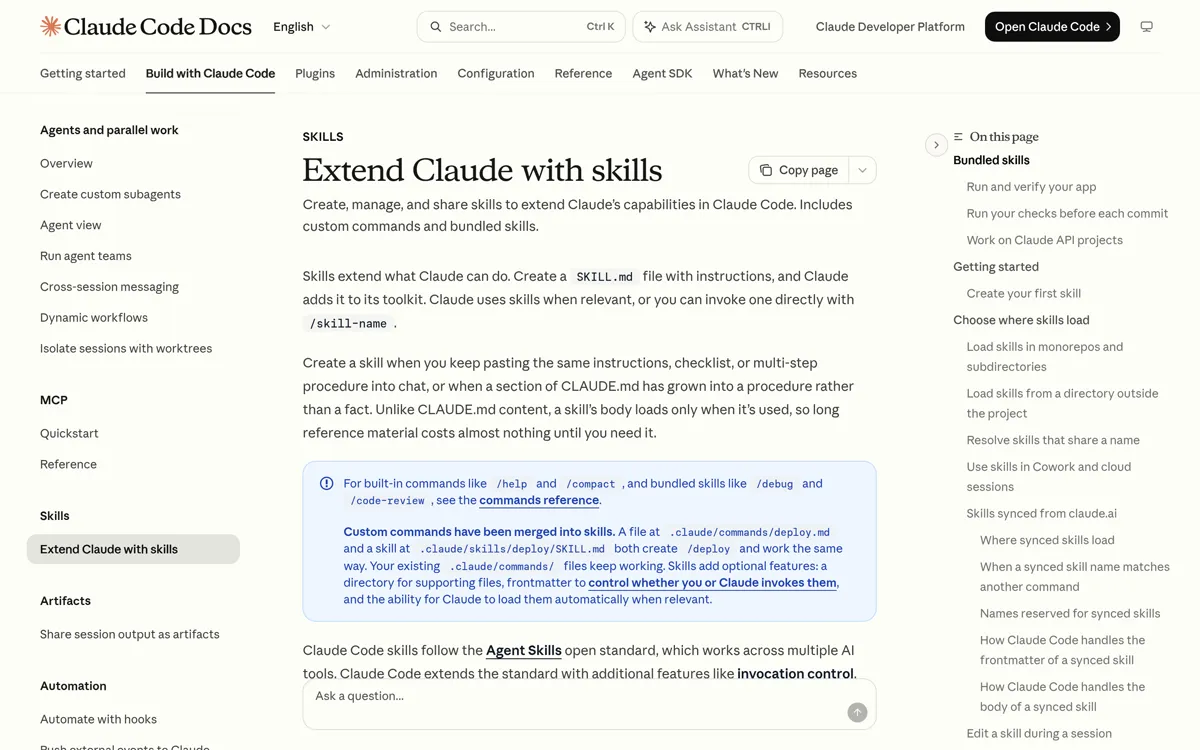
Both sources end the same way: package the entire harness as a project skill — the guide names it /motion-reel with its working rules (real product UI only, no invented claims, no hidden paid APIs, final export always explicit), and the @0xMovez thread closes with a repo list and the same advice. According to the official Claude Code documentation, a skill is a SKILL.md file of instructions that can be invoked directly or loaded automatically when relevant. Packaging an agent workflow into an invocable skill is exactly what we do in our own agentic engineering plugin.
How is sound made on the same clock?
As a separate finishing step that submits to the project’s clock. The editor exports silent frames; a reference track is analyzed with the librosa beat tracker into beats.json — with the guide’s caveat that detected beats are estimates: listen, and confirm the downbeat and meter before placing major story changes. Cues are then written as a list of project-global times: click, whoosh, pop, and thump, each synthesized by a small script into a 48 kHz WAV and mixed by ffmpeg over the music. The productive rule is one sentence: a UI click, its visual ripple, and its sound should refer to the same event time, not three independent guesses. The final mix is normalized to the guide’s stated target of -14 LUFS with a -1 dBTP peak limit, measured after encoding — a formulated target, not proof of the result. A synthetic 120 BPM bed serves as the starting point when no licensed music exists, and voice or external media are optional choices, not part of the studio’s core.
How does it compare with the other routes?
Four real routes today, compared on our own criteria (qualitative; not a measurement):
| Route | How it works | What a revision means | Wins when |
|---|---|---|---|
| Generative video (prompt-to-video) | A model produces pixels directly from a prompt | Costly: regeneration, not editing | Fast concept clips; looks code cannot render |
| Bespoke editor (this article’s pattern) | Claude Code builds an editor; films are stored as project data | Edit keyframes, cheap re-render | A series of films sharing one brand; repeated client revisions |
| Remotion | Video as a React app; agent-friendly docs | Edit components, re-render | React-native teams that want a mature framework |
| HyperFrames | HTML + CSS + seekable animations → deterministic MP4 | Edit HTML, re-render | Web-based compositions meant to be built by agents |
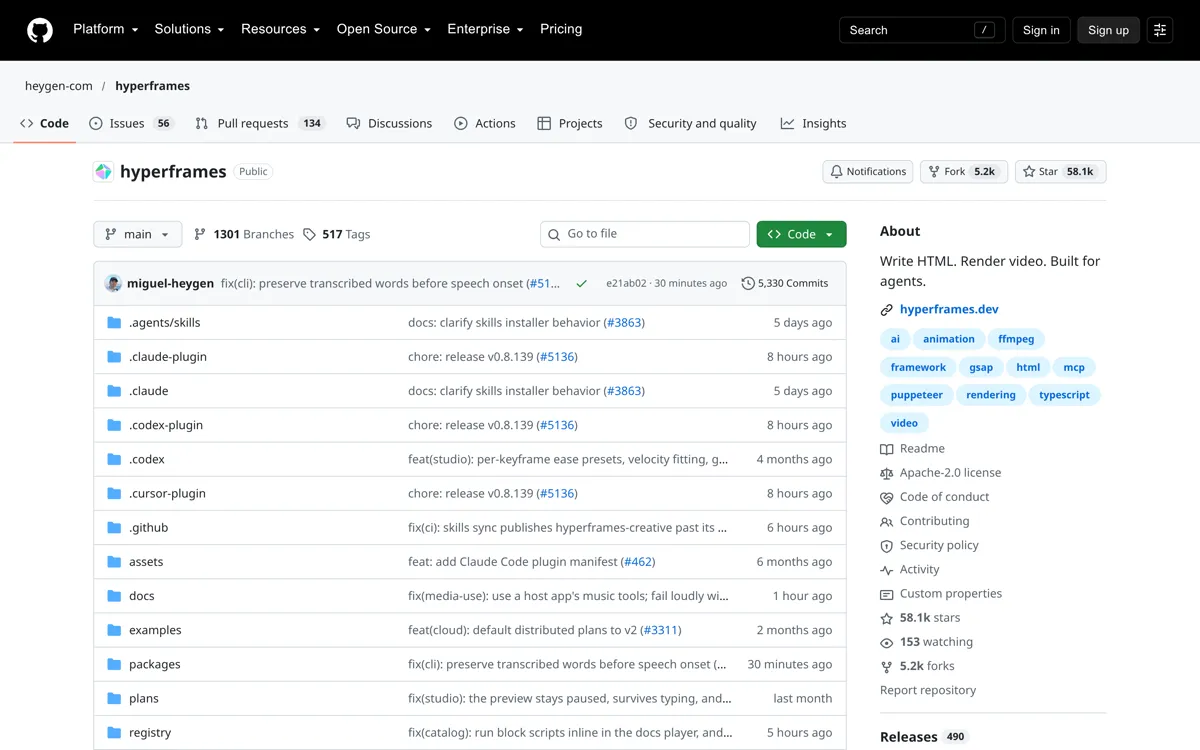
Note that the bespoke editor is the most expensive up front and the cheapest afterward: the @0xCodila guide spends most of its pages building the tool before any film exists. Generative video is the inverse — cheap on the first frame, expensive every time the direction changes. Remotion and HyperFrames sit between the two: the framework already exists, so the agent only builds the composition. And there are cases where this pattern is deliberately not used: a one-off scene, an organic look that relies on non-determinism, or 3D and character rigs — the guide itself marks all of these outside its system’s scope.
What does it cost up front, and when does it pay back?
The up-front cost is real and is mostly tool-building time, not per-video spend: the workspace (Node LTS, ffmpeg, Chromium), the editor build until the first phase gate passes, then the first brief. The @0xCodila guide closes with an honest “first working session” table: the fastest meaningful milestone is not a full film but one narrow complete path — import one asset, animate it, save it, export it through the shared renderer. Payback shows up on the side the trend rarely promotes: every revision is an editable value, not a regeneration. The guide sketches an example client-offer structure — one 15-20 second product film, three aspect ratios from the same timeline (9:16, 1:1, 16:9 with explicit re-layout, not a crop of the horizontal master), one poster frame, an editable project, and two revision rounds — while stressing that this is an example structure, not a market rate. The circulating anecdotes deserve the same caution: the often-quoted “30-minute video” came after the studio already existed, not counting the time to build the studio.
For teams weighing when a pattern like this makes sense — what content volume justifies what tooling — that consideration itself is assessment and roadmap work; it is the kind of accompaniment we provide in our AI consulting service.
Frequently asked questions
Do the editor and its export need internet access or a paid API? No, once installed. The @0xCodila guide designs the editor without API calls and exports through local headless Chromium plus ffmpeg, and it forbids hidden paid APIs inside the skill. The Claude Code account is only needed while building and refining the tool.
Are revisions really cheaper than regenerating?
By design, yes: creative decisions live as values in project.json — changing timing means changing a value and re-rendering, not throwing away a result and hoping the next roll is better. That is the mechanism the pattern claims; the actual savings depend on your workflow, and we do not claim a number.
Does this replace motion designers? It moves the focus of the work. The model writes programs; the human keeps visual direction — choosing among three directions, nudging timing, locking colors, judging the two-second hook. Nate Parrott’s account at Anthropic frames the same thing: direct manipulation over generated output, not the replacement of design judgment.
What do you need to get started? A supported Node LTS, ffmpeg and Chromium on PATH, and Claude Code with a model available on your account (the guide advises recording the model and versions actually used rather than assuming). The first milestone is not a film: one asset in, animated, saved, and exported through the same renderer the UI uses.
What are the limits and open questions?
First, every number in this article is someone else’s report: the @0xMovez thread’s views and likes, HyperFrames’ ~58k stars, the Prompt Motion gallery’s ~280 entries and their metadata, the anecdotes of Tony Dinh’s “30-minute video” and the 2.1M-view music video — we quote them as the platforms and authors report them, with no independent verification; gallery entries are community submissions, and the site itself notes that videos and prompts belong to their creators. Second, the @0xCodila guide is an independent study synthesis explicitly not affiliated with Anthropic or Nate Parrott; its build prompts are specifications, and the document itself warns that the result becomes a tested build only after the prescribed tests actually execute in the reader’s environment. Third, determinism has a portability limit: pixel identity across operating systems and font engines is a separate question, per the guide. Fourth, reproducibility is a maintained discipline — browser and font versions are recorded with the project — not an automatic guarantee. Fifth, the guide acknowledges its own scope boundary: 3D layers, character rigs, traced source video, and procedural effects are outside its system. Finally, we have not run this pipeline at Agentive Labs; what we quote is the mechanism, not our production result.
Sources checked on October 7, 2026. If your team is weighing an agent-driven production pipeline like this — from the render contract to an invocable skill — start at our AI agents and automation service, or talk to us about what harness shape makes sense for your content volume.